

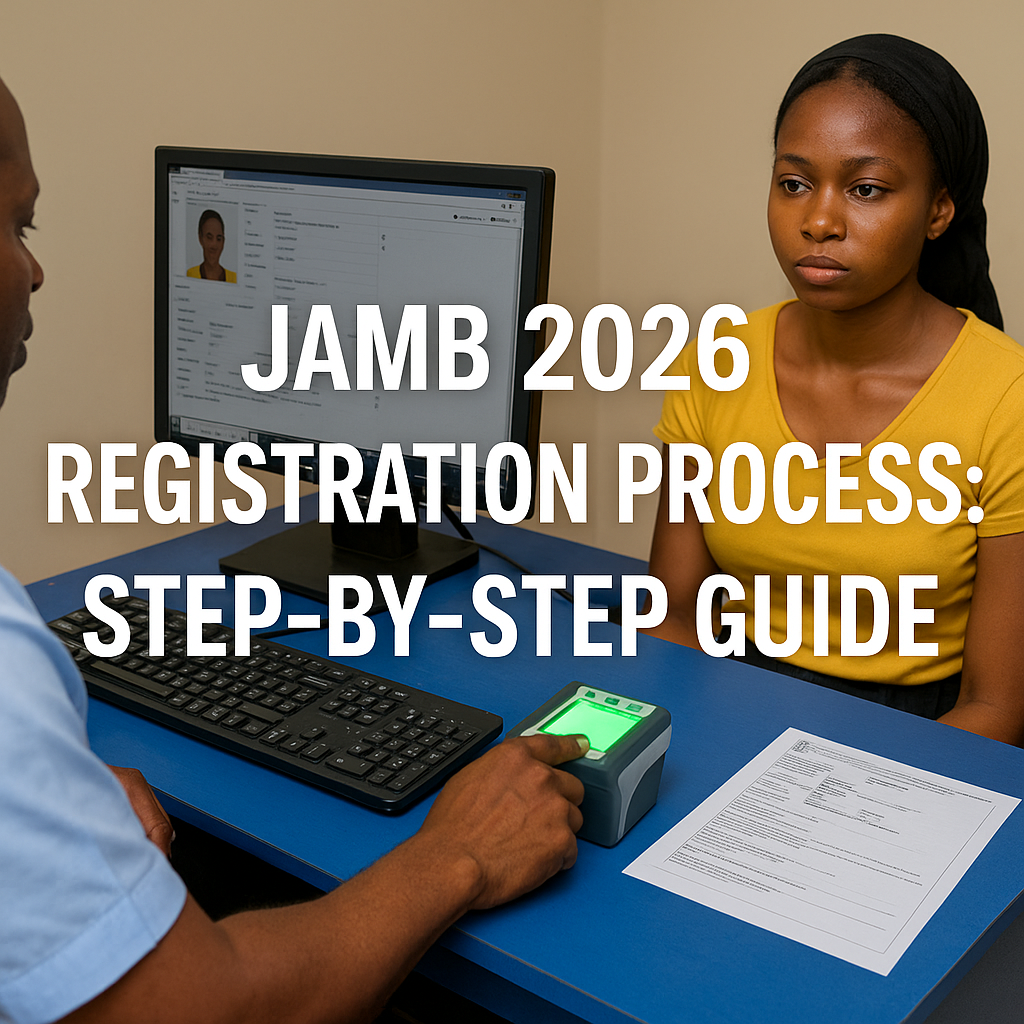
The JAMB 2026 registration process is the first and most important step for students who want to gain admission into Nigerian universities, polytechnics, or colleges of education. Whether you are a first-time candidate or repeating the exam, this guide will show you how to register for JAMB 2026 easily and correctly. Avoid mistakes that can delay your admission by following these simple steps.
Why Is JAMB Registration So Important?
The Joint Admissions and Matriculation Board (JAMB) is responsible for conducting the Unified Tertiary Matriculation Examination (UTME) in Nigeria. This exam is the gateway for admission into universities, polytechnics, and other higher educational institutions in Nigeria.
JAMB registration is the first step in this process. Without completing your registration properly, you will not be allowed to sit for the UTME. The registration process involves submitting necessary documents, paying the required fee, and completing biometric data capture, all of which are mandatory to gain access to the exam.
Requirements for JAMB 2026 Registration
Before you start the JAMB registration process 2026, make sure you have the following:
- National Identification Number (NIN)
- Valid phone number (linked to your NIN)
- Active email address
- O’Level result (WAEC/NECO/NABTEB) or awaiting result
- JAMB e-PIN (after payment)
- Passport photograph (at CBT centre)
- Choice of institutions and courses
JAMB 2026 Registration Process: A Step-by-Step Guide
The JAMB 2026 registration process is straightforward, but it’s important to follow each step carefully to avoid delays. Here’s a detailed, step-by-step guide on how to register for JAMB 2026.
Step 1: Create a JAMB Profile
The first step in registering for JAMB 2026 is creating a personal profile. This profile is where you will manage all your registration activities, check your results, and monitor your application.
How to Create Your JAMB Profile:
- Visit the official JAMB portal (https://www.jamb.gov.ng).
- Click on the “Create Profile” button.
- Enter your personal details, including:
- Full name as it appears on your certificate.
- Email address (ensure you have access to this email).
- Phone number (preferably an active mobile number).
- A valid means of identification (e.g., National ID, passport).
- Submit your information and follow the prompts to verify your email and phone number.
- Once your profile is created, you will be issued a profile code which is essential for the next registration steps.
Generate Your Profile Code
Send an SMS in this format:
NIN [Your NIN Number]
Example: NIN 12345678901
Send to 55019 or 66019
You’ll receive a unique 10-digit profile code. This code is very important.
Tip: Use a phone number that you will not lose. You’ll need this same number throughout JAMB processing.
Step 2: Purchase JAMB E-PIN
After creating your JAMB profile, the next step is to purchase your JAMB E-PIN. The E-PIN is used to pay for your registration and is required to proceed with the application.
How to Purchase JAMB E-PIN:
- Visit a designated JAMB accredited bank or use online platforms.
- Provide the profile code you received when creating your JAMB profile.
- Pay the JAMB registration fee (usually around ₦3,500 for the E-PIN, plus any other charges for services such as biometric data capture).
- Once the payment is successful, you will receive your JAMB E-PIN.
- Keep the E-PIN safe, as it will be used in your online registration
Step 3: Complete Your JAMB Registration Online
With your E-PIN in hand, you can now proceed to the official JAMB website to complete your registration. You will need to fill in all necessary details about your academic background, O’Level results, and institution preferences.
How to Complete Your Registration:
Visit the JAMB portal (https://www.jamb.gov.ng) and log in to your profile using your email and password.
- Enter your E-PIN to initiate the registration process.
- Fill out the registration form with your personal information, such as:
- Name, date of birth, and address.
- O’Level results (WAEC, NECO, or other equivalent results).
- Choice of institution (select your preferred universities, polytechnics, or colleges).
- Choice of courses (select the course(s) you wish to study).
- Double-check the entered information to ensure it’s correct.
- Submit your registration form.
Step 4: Biometric Data Capture
After completing your registration, the next step is biometric data capture. This step is crucial for verifying your identity during the exam and preventing impersonation.
How to Capture Your Biometrics:
- Visit any JAMB accredited center (check the JAMB website for a list of centers).
- The center will take your fingerprints and photograph.
- Ensure that your biometrics are captured properly, as this data will be linked to your exam and used for identity verification.
Step 5: Print Your JAMB Registration Slip
Once your registration is complete and your biometrics are captured, you can now print your JAMB registration slip. This slip will contain important details about your exam, such as:
- Exam center location.
- Exam date and time.
- Your registration number.
Ensure that you keep a copy of your JAMB registration slip safe, as it will be required on the day of the exam.
Tips for a Smooth JAMB 2026 Registration Process
To make sure your JAMB 2026 registration goes smoothly, follow these helpful tips:
1. Start Early
The earlier you begin your JAMB registration, the better. This will give you enough time to address any issues that may arise, such as delays in payment or difficulties with biometric capture.
2. Check Your Details Twice
Before submitting your registration, double-check all the information you’ve entered. Ensure that your O’Level results, institution choices, and course preferences are correct to avoid making mistakes that could affect your application.
3. Keep Your Documents Ready
Make sure you have all the necessary documents for your JAMB registration, including your O’Level certificates, means of identification, and passport-sized photograph. Having everything ready will speed up the process.
4. Be Prepared for the Exam
While the registration process is crucial, preparing for the JAMB exam is just as important. Start studying early and familiarize yourself with the JAMB syllabus and past questions to improve your chances of success.
JAMB Registration Fees Breakdown
Here’s a simple breakdown of how much you’ll pay:
| Item | Cost |
|---|---|
| JAMB Form | ₦3,500 |
| Reading Text (Novel) | ₦500 |
| CBT Registration Charge | ₦700 |
| Total | ₦4,700 |
| With Mock Exam | ₦5,700 – ₦6,200 |
Common Mistakes to Avoid During JAMB Registration
- Using someone else’s NIN or phone number
- Registering at unapproved CBT centres
- Wrong spelling of name or date of birth
- Mistakes in choice of institutions or courses
- Not collecting your registration slip
Double-check all your details before submitting!
How to Know If Your Registration Was Successful
You’ll receive an SMS and email confirmation containing your:
- Registration number
- Exam subjects
- Centre preference (tentative)
Also, check your e-facility account for confirmation. Print your slip as soon as it’s available.
Documents to Keep After Registration
Here are the documents you should not misplace:
- JAMB registration slip
- Payment receipt from CBT centre
- e-PIN purchase receipt
- Profile code confirmation SMS
How to Retrieve Lost JAMB Profile Code or e-PIN
If you lost your profile code:
- Send: RESEND to 55019 or 66019 using your registered number
If you lost your e-PIN:
- Go to the outlet where you purchased it
- Provide your profile code and phone number
- They will resend it to you
Final Tips for a Smooth Registration
- Start early to avoid last-minute rush
- Keep your phone and SIM card safe
- Double-check all entries before submission
- Use only accredited CBT centres
- Save and print all confirmation documents
Registering for JAMB 2026 is easy if you follow the correct steps and avoid common errors. Now that you understand the process, get prepared and stay ahead!
Timeline: What Happens After JAMB Registration?
Once you’ve completed the JAMB registration steps, here’s what comes next:
| Phase | What to Expect |
|---|---|
| Immediately After Registration | You’ll receive a confirmation SMS and email |
| Within a Few Weeks | JAMB will announce the mock exam date (optional) |
| A Month Before UTME | Exam slips will be available to print |
| One Week to Exam | Final CBT centres and time will be confirmed |
How to Make Changes After JAMB Registration (Correction of Data)
Sometimes, candidates make mistakes during registration. The good news is: JAMB allows data correction for a small fee.
You can correct:
- Name
- Date of birth
- State/LGA
- Gender
- Institution/Course
- Subject combination
- Passport photo
How to Do It:
- Visit any JAMB CBT centre or JAMB office
- Fill the correction form
- Pay the correction fee (₦2,500 – ₦3,500)
- Submit and receive confirmation
How to Pay for JAMB Registration and Services
To complete JAMB 2026 registration or make corrections, you can pay using any of the following:
1. Bank Payment
Walk into any approved bank (UBA, Zenith, First Bank, etc.)
2. Online Payment
Use platforms like Remita or Quickteller with your profile code.
3. POS at CBT Centres
- Some CBT centres accept POS payments for form registration and corrections.
- Always collect your payment receipt for proof.
- Choosing the Right Institution and Course During Registration
- Selecting the wrong institution or course can delay admission. Here’s how to make the right choice:
For University:
Pick your top preferred school — preferably one with your desired course and catchment area advantage.
For Polytechnic or College:
Choose one close to your location to reduce travel stress and increase your chances.
Tips:
- Check admission requirements for your course
- Confirm O’Level subject combination
- Use JAMB brochure (available online or at CBT centres)
Understanding the JAMB Novel for Use of English
Each year, JAMB selects a novel for the Use of English section of the exam.
- You’ll receive the novel after registration
- Questions from the novel appear in the UTME
Past novels have included:
- Sweet Sixteen by Bolaji Abdullahi
- The Life Changer by Khadija Abubakar Jalli
Once the 2026 novel is announced, start reading early. 10–15 marks come from this book.
Subject Combinations: Avoid This Common Mistake
Many students fail to gain admission not because they scored low — but because they chose the wrong subject combination.
Examples:
| Course | Correct Subjects |
|---|---|
| Medicine | English, Biology, Chemistry, Physics |
| Law | English, Literature, Government, CRS |
| Engineering | English, Mathematics, Physics, Chemistry |
| Mass Communication | English, Literature, CRS, Government |
Before registering, check the official JAMB Brochure or ask your school counselor.
What to Do If You Miss JAMB Registration Deadline
Unfortunately, JAMB does not extend deadlines often. If you miss it:
- Try pre-degree or JUPEB programmes
- Prepare for the next UTME early
- Apply to private universities that accept other exam types
- Stay active by taking online courses or getting work experience
Still, it’s better to register early and avoid this situation altogether.
JAMB Support: How to Get Help
If you face any issues during your JAMB registration process 2026, here’s how to contact JAMB support:
Email: support@jamb.gov.ng
Phone Lines: 55019 or 66019
Visit Any JAMB Zonal Office
They are located in all 36 states.
Make sure to use only the official contact details to avoid scams.
Frequently Asked Questions (FAQs)
1. When does JAMB 2026 registration start?
JAMB registration typically begins in November or December 2025, with official updates available on the JAMB website. Be sure to check for the latest registration timeline.
2. How much is JAMB 2026 registration?
The cost of JAMB 2026 registration is usually around ₦3,500 for the E-PIN, plus additional fees for services like biometric capture.
3. How can I change my institution or course after registering for JAMB?
You can make changes to your institution or course within a specified period after registration by logging into your JAMB profile on the official website and requesting the change.
4. Can I take the JAMB exam without biometric data capture?
No, biometric data capture is a mandatory step in the JAMB registration process. Without it, you will not be allowed to take the exam.
5. What is the JAMB mock exam, and should I take it?
The JAMB mock exam is an optional practice exam that simulates the real JAMB exam. Taking the mock exam can help you familiarize yourself with the exam format and practice your timing.
How many institutions can I choose during registration?
You can choose up to 4:
- First choice (university)
- Second choice (polytechnic)
- Third choice (college of education)
- Fourth choice (any institution)
6. Can I register without an email?
No. You need a valid email to receive confirmation and future updates.
7. What is the age requirement for JAMB?
JAMB requires candidates to be at least 16 years old.
8. Can I register for JAMB from abroad?
Yes, JAMB allows Nigerians abroad to register through embassies or special centres.
9. What if my phone number stops working after registration?
Visit the nearest JAMB office to update your number. Do not open a new profile.
10. When will the 2026 UTME exam hold?
The date will be announced by JAMB after registration ends. It usually holds between March and May.